





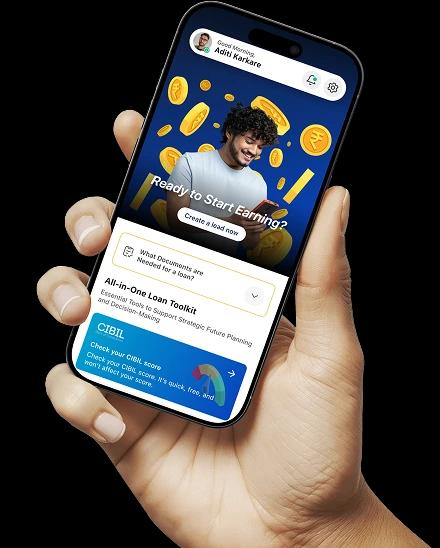



How does a property manager configure automated escalation rules for overdue maintenance tickets?
Automated escalation rules allow property management software to route overdue maintenance tickets to higher-priority staff or vendors automatically, reducing response delays and improving tenant satisfaction across large portfolios.
Defining Escalation Triggers
- Time-based triggers escalate a ticket automatically if it remains unresolved past a defined SLA window.
- Priority-based triggers assign faster escalation timelines to urgent categories like plumbing or electrical failures.
- Escalation thresholds are typically configured differently for emergency, urgent, and routine ticket categories.
Structuring the Escalation Chain
- Tickets first escalate to a senior technician before reaching a regional facilities manager.
- Vendor-assigned tickets can auto-escalate to a backup vendor if the primary contractor misses response deadlines.
- Notifications are typically sent via SMS, email, and in-app alerts simultaneously to reduce missed escalations.
Monitoring and Refining the Rules Over Time
- Dashboards track average resolution time to identify categories needing tighter escalation thresholds.
- Escalation logs are reviewed periodically to detect recurring bottlenecks with specific vendors or teams.
- Rule sets should be updated seasonally to reflect higher ticket volumes during peak maintenance periods.
automated escalation rules combine time and priority-based triggers with a defined staff or vendor chain, helping property managers close maintenance tickets faster and maintain consistent service standards across their portfolio.
Similar FAQs
What is PropTech in real estate?
What is PropTech industry classification?
What PropTech means?
What is PropTech and examples?
View More...
Recent Glossary
What are the benefits of z-score based property risk modeling?
What are the benefits of zakat calculation on real estate assets?
How is zero-emission construction equipment used in real estate?
How do zonal price index for urban housing markets work?
What is the meaning of zero-touch tenant onboarding technology?
View More...
Similar Blogs
Digital Transformation
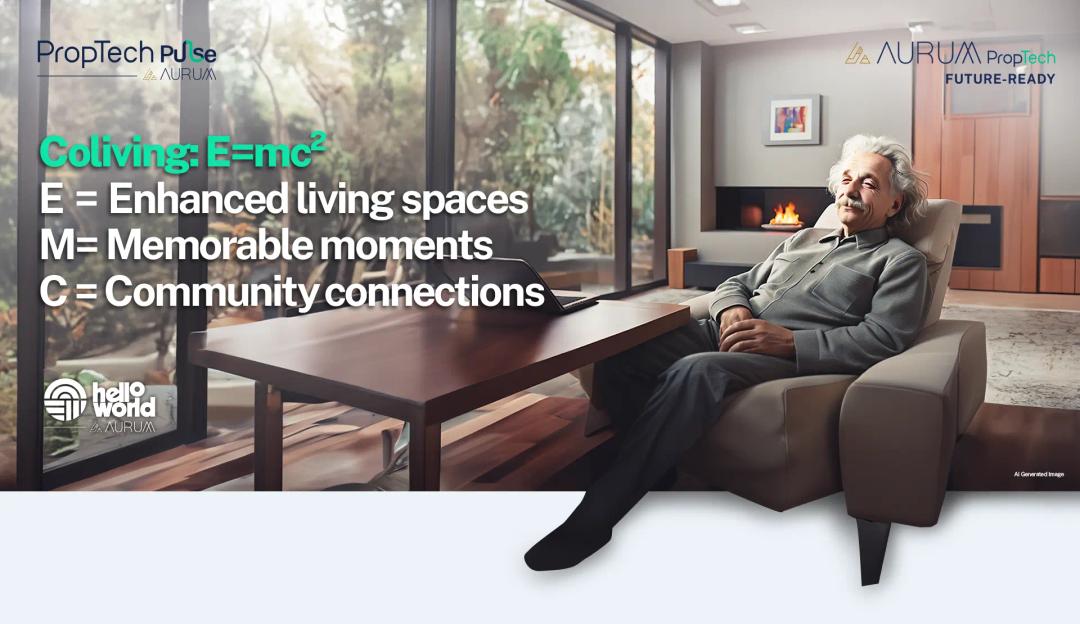
A letter from Albert Einstein in 2024 to young Albert
Dear Young Albert, I hope this letter finds you well, filled with the same curiosity and wonder that has always driven you. As I reflect on the world today, I can't help but think about how much has changed since my time, especially in the realm of communal living which might seem quite intriguing

PropTech Pulse Editorial
15th March 2024
Technology and Innovation
Evolution of Customer Relationship Management tools
‘‘The purpose of a business is to create and keep a customer’’, Peter Drucker, a famous writer, and management consultant said prolifically. The realm of CRM scope covers customer discovery, interactions, service, care, retention, and loyalty. The term Customer Relationship Management (CRM) was c
PropTech Pulse Editorial
12th April 2024
Technology and Innovation
Gen AI and the Changing Landscape of CRM
‘‘The purpose of a business is to create and keep a customer’’, Peter Drucker, a famous writer, and management consultant. Every business, lives, profits and grows with this mantra. Business that succeeded across all the previous industrial revolutions including mechanisation, electrification, aut
PropTech Pulse Editorial
25th April 2024
Digital Transformation
A letter from Albert Einstein in 2024 to young Albert
Dear Young Albert, I hope this letter finds you well, filled with the same curiosity and wonder that has always driven you. As I reflect on the world today, I can't help but think about how much has changed since my time, especially in the realm of communal living which might seem quite intriguing
PropTech Pulse Editorial
15th March 2024
Technology and Innovation
Evolution of Customer Relationship Management tools
‘‘The purpose of a business is to create and keep a customer’’, Peter Drucker, a famous writer, and management consultant said prolifically. The realm of CRM scope covers customer discovery, interactions, service, care, retention, and loyalty. The term Customer Relationship Management (CRM) was c
PropTech Pulse Editorial
12th April 2024

Ask Pulse Ai anything about real estate

Unlock the Latest in Real Estate
News, Infographics, Blogs & More! Delivered to your inbox.