New Launch - India Real Estate Report 2026.

Services
Knowledge Hub
Resources
Tools

Ask Pulse Ai
©PropTech Pulse 2025, All rights reserved.


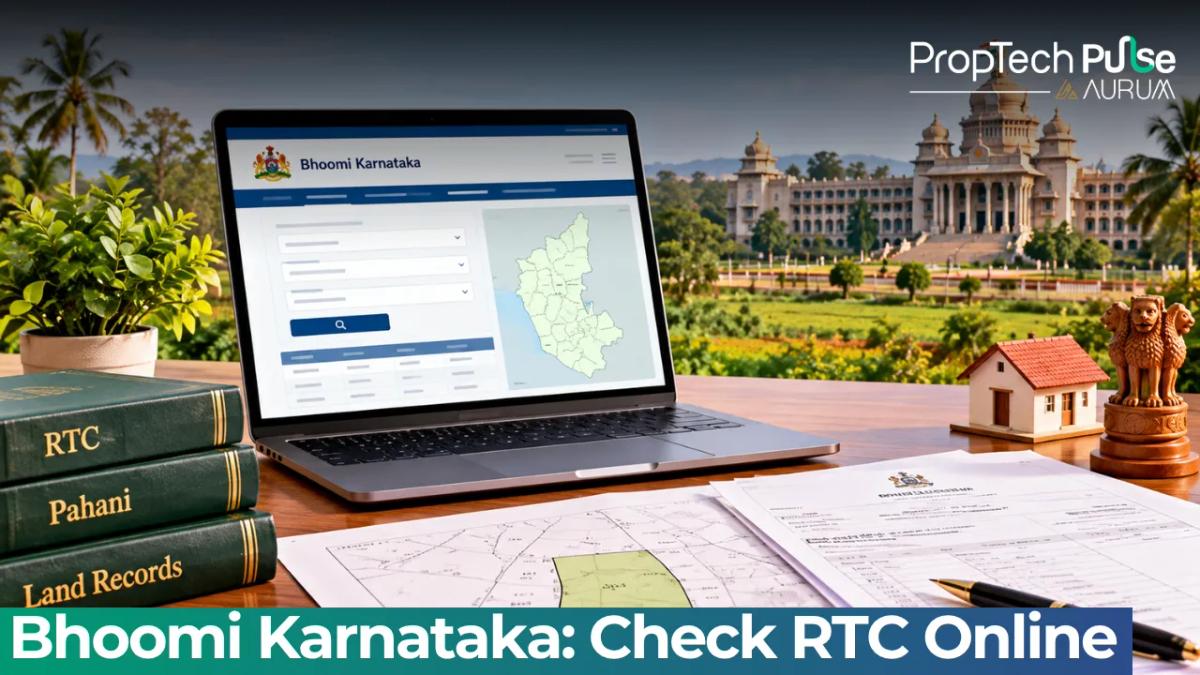
You have been handed a set of brochures for a plot layout in Karnataka. The sales executive asks for a booking amount today, and the site visit closes tomorrow.
Before you push money towards any booking counter, you need to verify who actually holds the title to that specific survey number. Bhoomi gives you that visibility instantly.
What is Bhoomi and Where Does It Apply?
Quick answer
Bhoomi is the official digital platform created by the Bhoomi Monitoring Cell under the Revenue Department of Karnataka. It centralises rural land records across the state, allowing buyers to view Real Time Certificates (RTC), trace ownership changes through mutation registers, and request officially signed extracts. The system replaced decades of physical ledgers held at village offices.
Think of Bhoomi as the single source of truth for parcels tied to survey numbers. Every plot in Karnataka carries a unique survey number linked to its taluk and district. The portal tracks the legal holder, the land classification, and any government dues attached to it.
A common mistake among new buyers is assuming Bhoomi covers every transaction type in the state.
Apartment titles inside gated communities or independent houses in municipal corporations fall under different urban registries.
The standard interface does not handle properties under Gram Panchayat jurisdiction either. Those cases route through the separate e-Swathu application.
Treating the portal as a quick verification tool rather than a complete title audit saves time and prevents awkward situtations. Before you commit to any booking amount, add this verification step to your standard property due diligence checklist. Checking the recorded owner takes ten minutes. Walking away after finding a mismatch saves lakhs.
Understanding the Bhoomi RTC (Pahani)
The core document on the portal is the Real Time Certificate, commonly called Form 16 or the Pahani. Visitors often expect a simple boundary list. The RTC actually reveals the financial and legal health of the parcel.
- Holder Name: The person currently recorded as the owner. Verify the spelling and spelling variations against the seller's Aadhaar card and sale deed drafts.
- Extent: Measured in guntas, cents, acres, or hectares. Rural plots often shift between guntas and decimal depending on the district. Match this figure to the site map provided by the developer.
- Classification: Usually marked NR (Non-Agricultural), C (Crop), or specific irrigation codes. If the brochure claims the land is fully converted residential, but the record still reads C for crop, the conversion order may be pending or disputed.
- Liabilities: Any unpaid land development fees, irrigation taxes, or outstanding agricultural loans show up here. Unpaid dues travel with the land, not the previous owner.
- Mutation Register Number (MR Number): This is the trail marker for every past transaction. Whenever a piece of land changes hands, the tahsildar's office creates a fresh entry with a higher MR number.
Watch out for co-owners. Rural land in Karnataka frequently lists several holders separated by slashes. If the developer offers a single plot but the record shows three family members as joint owners, you will need consent from every party listed. Partial consent can stall registration later.
The Pahani gives you a snapshot of today. Tracking the historical flow of the asset requires the mutation register. This sits outside the basic screen view. You can access it through related services once you know the right search parameters.
Free View versus Digitally Signed Copies
The portal splits its offerings into two distinct buckets. Confusing them is the easiest way to end up holding an invalid document during a site inspection or bank evaluation.
| Feature | On-Screen View (Free) | i-RTC Report (Paid) |
|---|---|---|
| Cost | ₹0 | ₹10 |
| Legal Acceptance | Informational only. Sub-registrars and banks reject it as a formal instrument. | Digitally signed. Accepted by banks, courts, and sub-registrar offices. |
| Verification Method | None built-in. | Contains a scannable QR code that validates against the Revenue Department database. |
| Login Requirement | Guest access available for basic districts. | Requires mandatory two-step authentication (EKYC OTP login). |
| Best Use Case | Rapid screening before contacting the seller. | Filing applications, securing home loans, and executing sale deeds. |
The ₹10 charge applies to every individual extract you order through the verified channel. Fees withdraw directly from your e-Wallet or via UPI through the authenticated gateway.
Since June 2025, the portal enforces a stricter login mandate. You cannot simply click through to the download button anymore. Two-factor authentication ensures that only verified users can export the digitally stamped report.
Step-by-Step: Navigating Bhoomi Online for Reports
Karnataka's revenue hierarchy follows a rigid geographic ladder. Finding a parcel requires moving down each rung. Enter landrecords.karnataka.gov.in and start from the top.
- Select District: Choose from the dropdown menu. Urban and rural districts share some codes but display separate tabs for clarity.
- Select Taluk: Revenue circles divide large districts into manageable blocks.
- Select Hobli: Often overlooked. Hoblis group villages that share administrative resources.
- Select Village: Input the exact revenue village name. Beware of typos in Kannada transliteration; the dropdown auto-completes but does not always highlight phonetic matches.
- Enter Survey Number: Type the main survey number first. If the plot is a fractional cut within that number, enter the sub-number or 'Surnoc' next.
- Select Surnoc or Hissa: Fractional portions of land split off from the main parcel get a Hissa code. Developers sell these individually, so you must locate the exact fraction.
Once you hit submit, the system generates the Form 16 immediately. If the layout spans multiple survey numbers or crosses village boundaries, repeat the search for each fragment. Manually stitch the results together.
If you need the physical boundary visual alongside the text, the portal routes you toward Mojini. Accessible via the Revenue Department's subsidiary links, bhoomojini.karnataka.gov.in displays the 11E sketch, which maps out alienation patterns and parcel shapes exactly as surveyed.
Tracing Ownership via Mutation Status
The most powerful feature hidden behind the basic screen is the ability to reconstruct the paper trail. Sellers often produce certified copies of old agreements to prove lineage. Those certificates fade. The live mutation register stays updated.
Every time land transfers through inheritance, gift, or sale, the local tahsildar enters a Dakhil-Kharij (entry and exit) operation. This updates the RTC and assigns a fresh MR number.
Older certificates sometimes list a grandparent's name. Yet the live portal tracks recent shifts. If a newer MR number transfers title elsewhere, the old certificate no longer governs the parcel.
To read the trail effectively, compare the current MR number listed on the screen with the reference number stamped on the seller's documents.
If they do not match, ask for an explanation before sending any tokens. Discrepancies usually point to pending litigation, unregistered private sales, or incomplete conversion procedures.
When to Leave Bhoomi Behind
No single portal solves every real estate query in Karnataka. The state's governance structure splits responsibilities based on land use and location. Pushing a flat-hunting exercise onto a rural land server produces dead ends.
Independent houses located within municipal corporation limits move through the Kaveri One Stop Centre ecosystem rather than the standard Bhoomi dashboard.
BBMP-approved plots use the dedicated e-Aasthi module.
Gram Panchayat allotments rely on the separate e-Swathu application entirely.
Using the wrong interface yields zero results and delays your timeline.
Even for open land, Bhoomi shows what is written on paper. It does not confirm physical demarcation markers, nor does it validate the structural approvals of the buildings going up on the site. Verifying builder credentials and ensuring the project holds RERA buyer rights protection remains equally critical. Once the transaction price clears the ₹50 lakh threshold, factor in applicable stamp duty and registration in Bengaluru or surrounding districts to calibrate your true acquisition cost.
Never rely solely on a screenshot. Mobile browsers cache outdated versions. Always run a fresh search from the desktop version or official app to ensure the record reflects today's status.
Before You Book
Use the portal to filter out high-risk deals early. If the holder name is vague, if liabilities balloon in the third column, or if the classified MR number contradicts the brochure, step back.
Legitimate developers expect buyers to run these checks. Pushing for a booking amount before the records clear demonstrates poor operational discipline on their side.
Pair your record verification with a reality check on finances. Calculate the exact impact of stamp duty and interest costs before touching the agreement. Running a quick home loan emi calculator keeps your affordability range honest. Verify the papers first, budget second, sign last.
Frequently asked questions
What is Bhoomi Karnataka portal?
Bhoomi serves as the centralized digital infrastructure for managing rural land administration across the state. Launched initially to replace manual systems, it currently operates under the Revenue Department to maintain accurate property datasets, host Real Time Certificates, and process ownership transfers efficiently for residents and investors.
How to check RTC status in Karnataka online?
Start by visiting the official government land records website and selecting your relevant district from the dropdown list. Drill down sequentially through your taluk, hobli, and revenue village until you reach the specific survey number associated with the property. The system pulls the latest Form 16 extract instantly once you input the correct parcel identifier.
Difference between Bhoomi RTC and Khata?
An RTC proves current legal ownership and reveals any active financial liabilities attached to the soil itself. A Khata functions strictly as a municipal assessment ledger tracking property tax payments to the local civic body. While the RTC dictates who holds the land rights, the Khata confirms your standing as a ratepayer eligible for civic utilities and building permits.
How much is the fee to download i-RTC on Bhoomi?
Requesting the officially validated digital report requires a nominal payment of ₹10 per extraction. The portal automatically deducts this charge via integrated UPI or e-wallet methods protected behind mandatory two-factor authentication protocols established to secure sensitive government documents.
Sources
- Department of Electronic Governance and Revenue, Government of Karnataka: Portal navigation paths and form definitions (accessed October 2026)
- Department of Electronic Governance and Revenue, Government of Karnataka: 11E sketch mapping capabilities and parcel visualization (accessed October 2026)
Enjoyed this blog article? Visit PropTech Pulse for more interesting blogs.




Ask Pulse Ai anything about real estate

Unlock the Latest in Real Estate
News, Infographics, Blogs & More! Delivered to your inbox.