New Launch - India Real Estate Report 2026.

Services
Knowledge Hub
Resources
Tools

Ask Pulse Ai
©PropTech Pulse 2025, All rights reserved.


Land paperwork in Odisha moves through a series of Tahasil offices. Figuring out where your application sits requires the right tools. For anyone tracking the status of a mutation or land conversion, the official tracking systems live inside DWIST Odisha. Fragmented dashboards cause confusion. Knowing how to move through them saves time.
This guide maps every major land procedure to its correct portal. You will learn exactly what to enter in the search fields. We also explain what happens when a file stays pending for weeks.
What Is DWIST Odisha?
Quick answer
DWIST (Digital Work Information Service Tracker) is Odisha’s central management console for land procedures, managed by the Revenue & Disaster Management Department. Go to dwistodisha.nic.in. Enter your case number or applicant name with khata details. Monitor the stage progression from application institution all the way to final order.
DWIST stands for Digital Work Information Service Tracker. Officials originally built it under the Ministry of Rural Development to track social welfare schemes. The Revenue and Disaster Management Department adapted it into the primary dashboard for all Tahasil proceedings.
Treat DWIST not as a public search engine. Treat it as the backend dispatch desk. Every application submitted locally receives a unique case number. The portal updates physically as the file moves between staff members.
Checking the DWIST Odisha land records tracker confirms whether the government acted on your paperwork. It feeds directly into state databases that push verified data to Bhulekh. Until the portal marks a case as "Final Order Issued," the title change remains theoretical.
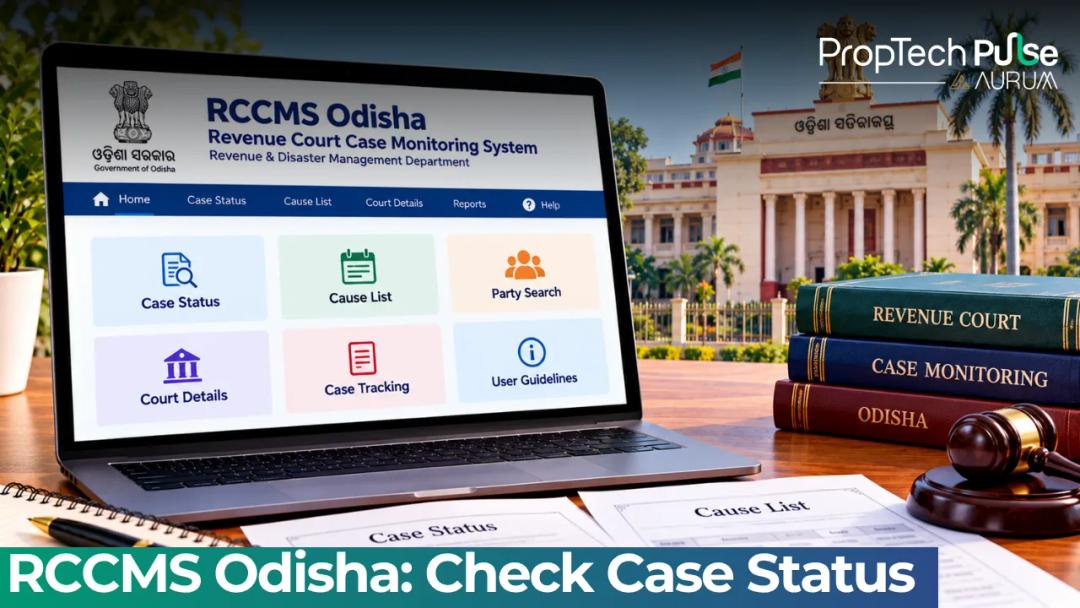
DWIST vs Bhulekh vs RCCMS: Which Portal to Use When
| Feature | DWIST Odisha | Bhulekh (ORI) | RCCMS |
|---|---|---|---|
| Core Purpose | Tracks administrative file movement for mutations, conversions, partitions, and demarcations. | Publishes final Record of Rights (RoR) and Khatiyan data after approval. | Monitors revenue court cases and contested hearings. |
| Access | Public search via case number or applicant name. Login required for officials. | Completely public. | Strictly for court administrators and litigants. |
| Data Refresh | Updates daily as officers click stages forward. | Reflects changes only after the Final Order is processed from DWIST/RCCMS. | Updates upon hearing verdicts or court orders. |
The rule of thumb stays simple. A case number means you should use the main dashboard to track officer activity. Finished processes belong on Bhulekh. Contested claims belong in RCCMS. DWIST keeps you informed during the waiting period.
How to Check DWIST Odisha Land Records & Case Status
You do not need an account to access the tracker. The system runs smoothly on older browsers. It works reliably on basic smartphones.
Search by Case Number (fastest method)
Visit the local counter and hand over your application form. The clerk hands you a receipt with a unique 10-digit case number. Use that number immediately. Typing misspelled names frequently returns zero results in state databases.
Open dwistodisha.nic.in. Pick your district and type the full case number exactly as shown on the paper slip. The screen instantly displays the current stage and last update timestamp.
Watch out for statuses reading "Pending Forwarding." If you see it for ten days or more, walk to the physical office. Automated alerts rarely shift files. Junior Assistants must manually escalate stalled work.
Search by Applicant Name & Khata Details
Lost your receipt? Searching by name still works. Pick your District, then the Block and Tahasil holding the land. Enter your registered name along with your khata number or sub-khata code.
Khata IDs vary sharply across rural districts. Sundargarh splits holdings while Koraput groups large tracts under single headers. Verify your sale deed or tax receipts before searching, and round decimals carefully to avoid empty screens.
Odisha Tahasil Services You Can Track Online
Property transfers involve more than simple inheritance mutations. Understanding the specific workflow prevents surprise delays.
Mutation Tracking Workflow
Mutation shifts legal ownership into actual tax liability. Your name must appear on the annual Khatiyan register for banks to approve loans. Municipalities also route tax bills through it.
Filing Form 4 triggers Stage 1: Application Receipt. Staff index it quickly before progressing to Institution. Stage 2 requires the RI Report, where the inspector physically checks boundaries and utility dues.
Terrain and officer availability stretch this step anywhere from two weeks to two months. Once the RI submits his memo, the Tahsildar reviews it at Stage 3. Approved mutations reflect in Bhulekh almost immediately.
Land Conversion (Section 8A) Steps
Changing agricultural land to residential use falls under Section 8A of the Orissa Land Revenue Act. Odisha protects arable acreage strictly. Zoning permissions and parcel size minimums undergo rigorous checking.
Conversion apps start on odisharevenueservices.nic.in. DWIST handles subsequent clearances as your file routes to the Planning Department and Pollution Control Board. Execution happens back at the Tahasil, though bureaucratic routing usually extends the statutory sixty-day limit.
Keep screenshots of every DWIST Odisha stage change. Applications stalling past ninety days give you documented proof to escalate the matter before the State Level Single Window Facilitation Centre.
Demarcation & Boundary Measurement
Boundary disputes trigger demarcation proceedings. Village headmen join the Revenue Inspector to drive iron pegs along recorded lines. DWIST logs the inspection team constitution date and the measurement day.
Tropical weather quickly degrades boundary markers. Monsoon floods or machinery can shift iron pegs entirely. Flag shifted markers immediately in DWIST to fix encroachment early, which costs far less than post-closure court petitions.
Fixing Stalled Applications: RI Reports, Objections & Order Sync
Files do not vanish randomly. They pile up at specific choke points where human intervention breaks automation. Knowing exactly where your application hangs allows you to act instead of guessing.
Status locking at "Objection Received" happens frequently when someone files a written dissent. The system pauses the case until the Tahsildar calls a public hearing. Check your registered address for notices first, as ignoring summons forfeits your right to argue.
A successful conversion finishing in DWIST but missing on Bhulekh indicates a technical sync failure. Server migrations between NIC data centres sometimes encounter timeouts. Visit the Tahasil archive desk if your Khatiyan still reads agricultural despite clearing DWIST stages. Hand-carrying a stamped conversion order forces the computer cell to push the update manually.
If a document remains stuck indefinitely, locate the direct phone number for your circle Revenue Inspector via the ODISHA REVENUE DIRECTORY. Calling him personally and asking him to tick the "Forward to Tahsildar" button clears queues faster than emails. For ongoing property investments in areas like Bhubaneswar's developing suburbs, proactive administrative nudges keep capital liquid rather than trapped in paperwork purgatory. Always cross-check exact stamp duty charges before paying transaction fees to ensure your base paperwork remains solid during these processing phases.
Your Next Step Before Signing
Active disputes belong in RCCMS before paying token amounts. Finalized ownership lives in Bhulekh, while everything else sits in DWIST Odisha. Verify the exact stage before committing funds, because a flat line signals a frozen file needing physical escalation.
Frequently asked questions
What is the full form of DWIST Odisha?
DWIST stands for Digital Work Information Service Tracker. Originally developed for rural development programmes, the Odisha Revenue and Disaster Management Department repurposed it as the central dispatch console for all land-related administrative proceedings, mutations, and conversions.
How can I check mutation status in Odisha online?
You can view your mutation progress by logging into dwistodisha.nic.in and entering your 10-digit application receipt number. The dashboard displays the current administrative stage, allowing you to track handovers between the Junior Assistant, the local Revenue Inspector, and the Tahsildar.
Is DWIST the same as Bhulekh Odisha?
No, they serve entirely different functions. DWIST tracks the workflow and approval stages of a land application in real-time. Bhulekh publishes the final verified Record of Rights and Khatiyan only after those approvals are complete. Think of DWIST as the kitchen where the food is cooked, and Bhulekh as the dining hall where it is served.
How do I apply for land conversion in Odisha online?
Applications for converting agricultural land under Section 8A begin at odisharevenueservices.nic.in. After initial submission, the file migrates to the DWIST tracking system for inter-departmental clearance involving zoning authorities and the pollution control board before returning to the Tahasil for final execution.
Who maintains the DWIST portal?
The National Informatics Centre (NIC) based in Bhubaneswar develops and hosts the technical infrastructure. Operational oversight and user access management rest entirely with the Odisha Revenue and Disaster Management Department.
Sources
- DWIST Odisha Portal (NIC Bhubaneswar): Case status navigation and district selection functionality (accessed October 2026)
- Bhulekh Odisha - Record of Rights: RoR publication standards and Khatiyan data structure (accessed October 2026)
- Odisha Revenue Services Portal: Section 8A land conversion application routing (accessed October 2026)
- Revenue Odisha Monitoring Dashboard: District-wise administrative tracking methodology (accessed October 2026)
Enjoyed this blog article? Visit PropTech Pulse for more interesting blogs.




Ask Pulse Ai anything about real estate

Unlock the Latest in Real Estate
News, Infographics, Blogs & More! Delivered to your inbox.