New Launch - India Real Estate Report 2026.

Services
Knowledge Hub
Resources
Tools

Ask Pulse Ai
©PropTech Pulse 2025, All rights reserved.


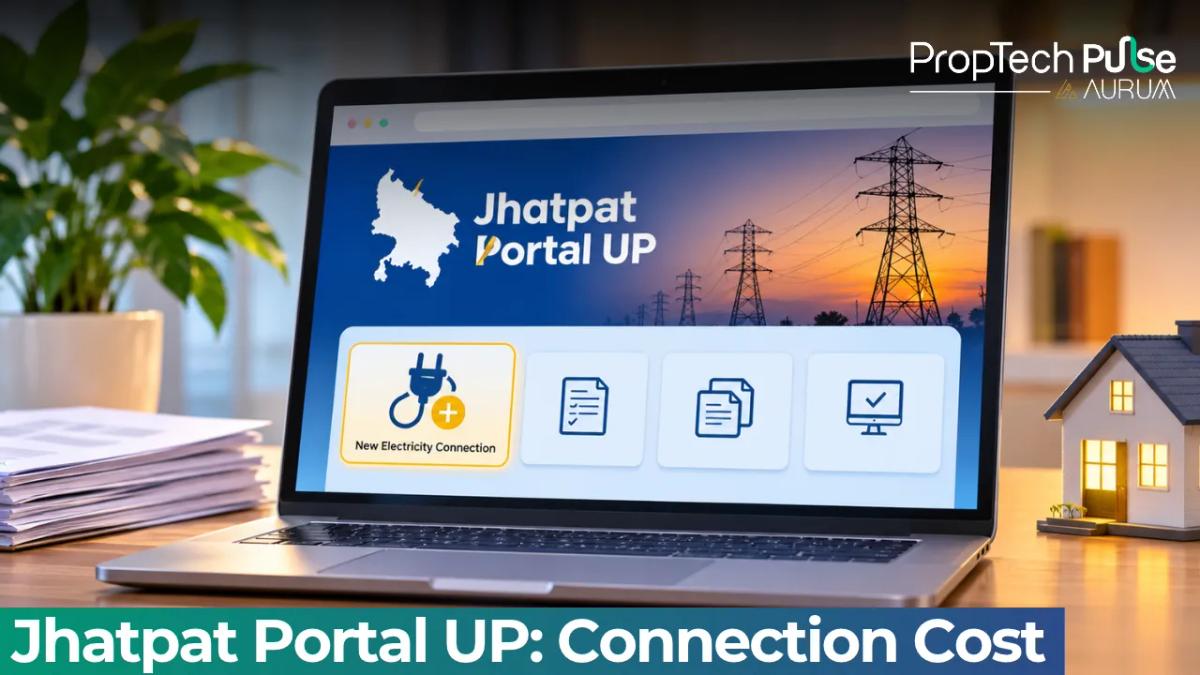
If you own or rent a property in Uttar Pradesh and need a fresh electricity supply, the process has moved online. The jhatpat portal is the official single-window platform where all five UP DISCOMs process new domestic and commercial meter requests.
It is designed to move applications faster than the old counter-based system, but the actual upfront cost depends heavily on one factor most applicants overlook.
Using the dashboard requires understanding the difference between the fixed registration fees and the variable Supply-Affording Charges (SAC).
Many applicants also confuse the site with a free subsidy programme. Below is a practical walkthrough of what the portal actually charges, the documents you need to upload, and why jhatpat applications frequently sit stuck in pending status.
What is the Jhatpat Portal UPPCL?
Quick answer
The Jhatpat portal is the official online application system for new electricity connections in Uttar Pradesh, covering all five DISCOMs. It processes both residential (LMV-1) and small commercial (LMV-2) applications. It is a service delivery tool, not a financial scheme or subsidy programme.
The digital intake valve handles every district's distribution network. Whether you deal with MVVNL, PVVNL, DVVNL, PuVVNL or KESCO, the workflow stays identical.
People searching for jhatpat yojana usually want the application form itself.
The name sounds like a welfare scheme, but there is no free power attached. The system simply standardises forms and fee calculations that previously required physical visits.
Registration takes less than ten minutes if your details are ready.
- LMV-1 (Low Voltage Domestic): For residential homes, villas and independent floors.
- LMV-2 (Low Voltage Commercial): For shops, small offices, clinics and ground-floor rentals operating as businesses.
Picking the right category scales the security deposit slightly higher for commercial setups. The platform routes your request directly to the local field engineer for that street either way.
Dual-purpose properties often get confused at this stage. If your ground floor runs a salon and your upper floor is purely residential, you must apply twice. One LMV-1 for the home and one LMV-2 for the shop. Merging them triggers automatic rejection because the load calculation differs completely.
How to Login to Jhatpat Portal and Check Status
To begin, visit the official website and select your specific DISCOM division. Mobile OTP authentication handles the entire jhatpat login process.
You enter your number, receive a six-digit code, and access your dashboard instantly.
Your screen shows three counters. The main metric to track remains Pending at Applicant.
Most stalled files sit here waiting for a corrected photo or a missing field. Upload clear scans immediately to push the case forward.
A status reading of Pending at Office means the junior engineer has received the request.
Dispatch schedules depend entirely on local workloads. Checking the app daily won't rush the technician. Watch for system alerts instead.
You can switch divisions quickly from the homepage dropdown menu.
Use this feature if you manage multiple plots across different districts like Lucknow and Gorakhpur. Each dashboard keeps its own queue separate.
Jhatpat Connection Cost Breakdown (2026 Rates)
The total cost splits into two parts. First comes the non-refundable processing fee paid at checkout. Second covers the physical line extension running from the pole to your premises.
Focusing solely on base fees misses the bigger picture. The Supply-Affording Charge dictates your final bill. This amount pays for the copper wire and poles reaching your gate.
| Load Requirement | Metering Security Deposit | SAC (Line ≤100 m) | SAC (Line 101–300 m) | Total Upfront Outlay |
|---|---|---|---|---|
| 2 kW (Domestic Standard) | ₹1,855 | ₹1,500 | ~₹4,500 to ₹6,000* | ₹3,355 (Base) |
| 5 kW (High AC usage) | ₹3,500 | ₹2,250 | ~₹6,750 to ₹9,000* | ₹5,750 (Base) |
| Typical House (200 m from line) | ₹1,855 | - | ₹5,250 (Approx) | ₹7,105 |
Prices spike fast if your plot sits off-grid. You might register paying for a 100-metre run initially.
A surveyor could measure 200 metres later. The charge triples immediately. Always verify your distance before finishing your jhatpat registration.
High-demand areas face stricter load caps. Districts experiencing peak summer stress often restrict new 5 kW connections until the grid stabilises.
The portal will block your selection and force a lower load tier if capacity is exhausted locally.
You can request a load upgrade after installation once your bill history proves consistent payment habits.
The finance team reviews your account for twelve months before approving the swap to a larger transformer.
Documents Required for Jhatpat Connection
The checklist looks simple enough on paper. The digital uploads demand sharp, readable scans though. Blurry images get rejected automatically by the system validation check.
Your status returns to Pending at Applicant until you re-upload properly.
You will need:
- Aadhaar card of the applicant linked to the mobile number used for login.
- A recent passport-size photograph.
- Proof of ownership including property tax receipt, registered sale deed or mutation extract.
- Or a notarised rent agreement accompanied by a No Objection Certificate from the landlord.
For rentals, prepare a notarised agreement alongside a landlord NOC. The field engineer matches your document address to the physical site. Mismatches trigger instant rejection. Knowing lease versus rent differences helps clarify your right to request consent letters without triggering disputes. rent meaning in hindi lease vs rent difference rules covers that legal ground.
Document Trap Alert: If your land record shows multiple owners, the portal requires signatures or NOCs from ALL co-owners. Missing even one signature stops the entire pipeline. Double-check the family tree on your title deed before scanning.
Homeowners should verify plot boundaries on the UP Bhulekh portal. Land records show exactly where the nearest line meets your site.
This prevents arguments over whether the new meter belongs inside your compound wall. the UP Bhulekh portal gives you that precise data.
Joint families often struggle with signatory authority. The primary holder listed on the khata must initiate the request.
Any secondary owner can upload supplementary ID proofs, but the system locks the applicant role to one person per property.
How to Pay Security Deposit and SAC Online
Payment gates open once all uploads pass initial verification. The dashboard generates a unique challan number tied to your application ID.
You must settle both the fixed deposit and the estimated SAC line charges before a field team gets assigned.
UPI and net banking carry the highest success rates during evening hours when server traffic spikes.
Cards sometimes timeout when bank fraud filters flag government utility payments. Stick to BHIM apps or direct debit transfers if possible.
Download the payment confirmation PDF immediately after checkout. Store it in a separate folder labelled Jhatpat_Payment_2026.
The finance department cross-references this file against the engineering dispatch list. If the tracker shows your application as Paid but the engineering status stays Pending for more than forty-eight hours, email your divisional office attaching that exact PDF.
Tax treatment differs for commercial users claiming capital allowances. Business owners should retain the itemised receipt showing separate SAC and meter deposit columns. Accountants use that split to classify infrastructure upgrades versus regulatory compliance costs.
Why Your Application May Stall
A smooth application flows straight through the pipeline.
The SAC Estimation Error: You might estimate fifty metres to the nearest pole.
The surveyor finds one hundred eighty metres instead. The finance department halts the file to recalculate wire costs. This delay adds weeks to your timeline.
The Field Engineer Bottleneck: Engineering approval happens first. Physical crews then drill and string the wire.
Teams share jobs across hundreds of accounts simultaneously. If your request waits past seven days post-approval, email the Assistant Engineer directly. Include your ID. Ask for a concrete timeline update.
The Transformer Capacity Hold: Some older colonies lack spare transformer capacity. Even with clean docs and paid fees, the system queues you behind priority upgrades.
The portal displays a Waiting List indicator instead of Active Approval. Call the distribution officer to ask about scheduled capacity expansion in your ward.
Legal Timelines and Helplines
The Central Electricity Authority sets strict deadlines. These counts start only after you pay fully and submit clean docs. They are mandatory rules, not soft targets.
- Metro Municipalities (e.g., Lucknow, Kanpur, Varanasi): Maximum 3 working days.
- Town Areas: Maximum 7 working days.
- Rural Villages: Maximum 15 working days.
Meters install late occasionally. Dial 1912 to file a formal grievance if deadlines expire. You can also email your divisional manager. Most offices publish direct contact lines on their sites.
Force majeure clauses suspend these timelines during severe monsoon flooding or grid maintenance windows.
The DISCOM posts emergency suspension notices on their regional pages. Follow those updates to avoid filing unnecessary complaints that drain your resolution quota.
Before You Submit Your Jhatpat Application
Walk your property perimeter first. Measure the distance to the nearest overhead line. Run a tape or walk a counting pedometer along the shortest path. Expect high SAC fees if the route crosses neighbours' yards or runs along public roads.
Calculate that stretch before opening your jhatpat account. A quick outdoor check keeps your budget predictable and stops wasted effort chasing expensive connections.
Double-check your neighbourhood's load rating if you plan heavy appliance usage soon.
Installing a dual AC setup or industrial pump on a standard 2 kW line causes immediate tripping. Upgrade to 5 kW upfront rather than paying the rerating fee twice.
Frequently asked questions
Is Jhatpat a free government scheme or subsidy?
No, it is not a welfare programme offering free electricity. The portal acts purely as a digital administrative tool for applying to buy a new meter and power line. While the name sounds like a state-sponsored initiative, applicants must pay the full metering deposit and Supply-Affording Charges out of pocket before installation begins.
How do I login to the Jhatpat portal using my mobile number?
Visit the official website for your DISCOM division and locate the login section. Enter your registered number, click Send OTP, input the six-digit code sent via SMS, and you will access your application dashboard instantly.
What happens if the electricity line is more than 100 meters from my house?
You will face a steep increase in your upfront costs. The base price covers connections situated within 100 metres of the existing grid. Any distance beyond that threshold triggers a surcharge calculated per metre. Expect the total bill to triple or quadruple if the main wire runs significantly far from your property boundary.
Can a tenant apply for a new connection on Jhatpat?
Yes, but you cannot use your own address proof as the sole document. The portal requires a valid rent agreement paired with a written No Objection Certificate from the property owner. You must also ensure the landlord agrees to share basic identification details so the meter is legally linked to the premises.
How long does the DISCOM take to install the meter after payment?
Legally, they must finish the work within three working days for metro cities, seven days for towns and fifteen days for rural areas. This clock starts only after you successfully upload all verified documents and the finance department confirms your funds have cleared. Delays usually happen due to labour shortages or material logistics.
What are the complaint helpline numbers for each UP DISCOM?
Each DISCOM maintains its own regional office roster, but all customers can dial the national utility toll-free number 1912 to log complaints anywhere in the state. For faster results, look up the direct email or desk phone for your local Assistant Engineer, as they control the actual work orders and crew assignments.
Enjoyed this blog article? Visit PropTech Pulse for more interesting blogs.


Ask Pulse Ai anything about real estate

Unlock the Latest in Real Estate
News, Infographics, Blogs & More! Delivered to your inbox.