New Launch - India Real Estate Report 2026.

Services
Knowledge Hub
Resources
Tools

Ask Pulse Ai
©PropTech Pulse 2025, All rights reserved.


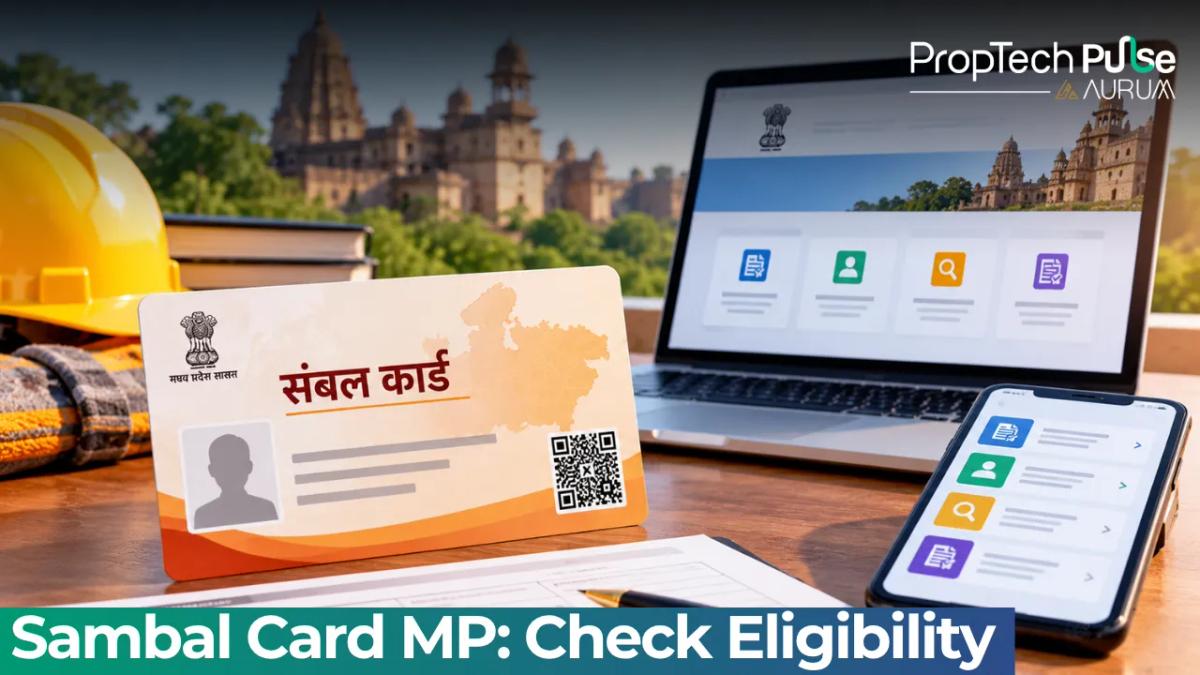
In Madhya Pradesh, unorganised workers often fall through the gaps of formal social security networks. The state government fixed this with the Sambal Card, part of the Mukhyamantri Jan Kalyan Sambal Yojana.
Millions of daily wage earners, domestic workers, street vendors and informal labourers now use it as a single digital wallet for emergency cash, health support and free electricity.
This guide cuts through the confusion. It shows you how to register on the sambal portal, what documents actually matter, and the exact steps to withdraw cash benefits once a medical event or accident occurs. Skip the guesswork.
What is the Sambal Yojana Card and Why Does 2.0 Matter?
Launched in 2018, the original version served as a basic safety net. Workers registered once and received automatic electricity credits. Claims still took months, and documentation stayed vague. Sambal 2.0 fixes that gap. The updated framework ties payments directly to verified events like childbirth, hospital admission, accidental injury or death. Funds now move within weeks.
Unlike physical passes, this card exists purely as a digital file. You will receive a PDF on your registered mobile number. Print it for local counters, but keep the file backed up. It acts as proof of enrolment whenever a shopkeeper needs verification or a doctor requires ID at a government hospital.
Quick answer
You can apply for the Sambal Card MP through the official jan kalyan portal at sambal.mp.gov.in. The program targets unorganised sector workers in MP aged 19–60 who meet specific asset limits. Registered members get 200 free electricity units monthly, ₹16,000 per child for maternity support, and insurance payouts of up to ₹4 lakh for accidents or death.
Eligibility Criteria: Who Can Apply for the Sambal Card?
Welfare programmes sometimes suffer from generous wording on paper and strict checks on the ground. Sambal follows both rules.
You cannot simply click register and expect approval. The state runs a backend filter against existing databases.
Domicile, Age & Employment Type Requirements
Permanent residency in Madhya Pradesh is mandatory. Temporary migrants without domicile certificates or stable local addresses usually fail field verification. Age must sit between 19 and 60 years when you apply. Turn 61 before processing finishes, and the system auto-closes the form.
Employment type matters more than job title. The scheme covers:
- Daily wage agricultural labourers
- Rickshaw pullers, porters and manual scavengers
- Domestic helpers and cleaners
- Street vendors and waste pickers
- Tailors, cobblers and other micro artisans
Full salaried employment, PF contributions or formal contracts exclude you from this list. The program sits outside the standard EPFO umbrella precisely because those workers already carry coverage.
BPL vs APL: Income and Asset Limits Explained
The state categorises applicants into Below Poverty Line (BPL) and Above Poverty Line (APL) families based on landholdings and vehicle ownership. These thresholds decide your priority rank when multiple applicants apply from the same ward.
| Category | Landholding Limit | Vehicle Restriction | Annual Income Cap |
|---|---|---|---|
| BPL Family | Agricultural land below 0.5 acre | No motor vehicle allowed | Below ₹1 lakh |
| APL Family | Agricultural land up to 2 acres | Two-wheelers allowed only | ₹1 lakh to ₹2.5 lakh |
Own a four-wheeler or hold more than two acres of fertile farmland, and the automated screening rejects the form immediately. Properties registered in tier one cities face the same cutoff.
Field officers verify assets using village panchayat records and sub-registrar data, not self-declarations. Treat these numbers as hard walls rather than soft targets.
How to Register on the Sambal Portal (Step-by-Step)
The registration interface lives on the official sambal portal. Third party service sites charge fees you do not need to pay. Government registration remains completely free. Paying anyone upfront usually hands your Aadhaar details to phishing domains.
Follow this sequence to avoid form rejection:
- Visit sambal.mp.gov.in and select the green New Registration button on the dashboard.
- Enter your full mobile number linked to your Aadhaar. An OTP arrives instantly.
- Login using your Samagra ID. If you do not have one, click the Samagra linkage option inside the portal to create it first. Most MP households already possess this number from previous subsidy schemes.
- Select your occupation from the drop down. Pick the closest match. Vague options like Other usually trigger manual review.
- Fill the address block exactly as it appears on your voter ID or ration card. Mismatched pin codes cause 70% of early rejections.
- Upload a clear selfie holding your ID card. Blur or poor lighting stops eKYC validation immediately.
- Submit. Note your Application ID on screen. It resets after thirty minutes if you navigate away.
Your local tehsil office receives the form next for cross verification. Expect a confirmation SMS within seven to ten working days.
Checking Application Status and Downloading Your Card
Tracking your Sambal card application status happens on the same landing page. Click Track Application and paste your Application ID plus registered mobile number.
The dashboard shows three states:
- Pending Verification: Field staff still visiting wards. Takes up to 14 days.
- Approved: Card generated. PDF link activates automatically.
- Rejected: Reason displayed. Common causes include duplicate registration or ineligible asset holdings.
Save the PDF to your phone gallery and print two physical copies once approved. Keep one in your home files and carry the second to local clinics or markets where ID proof gets demanded.
Do not share screenshots publicly. The card contains your Samagra ID, Aadhaar mask and bank account routing details. Post it privately or show it only to verified officials.
Activating Benefits: How to Claim Insurance and Cash Support
Securing the card opens step one. Withdrawing cash triggers step two, and it operates differently than private insurance claims. Payments route through your linked Jan Dhan bank account via DBT. Skip cheques or cash counters entirely.
Maternity Benefit Process
You collect ₹16,000 per live birth. Register the birth in the nearest ANM centre within forty-eight hours. The ANM uploads the certificate to the state database. Sync happens automatically, flagging your profile for release. Money arrives within ten business days, followed by an SMS confirmation.
Accident & Death Claims
Take the injured person to any government hospital or empanelled district facility for accidental injury claims. Hospital physicians fill the Sambal claim form and scan it to the central server. Medical boards certify injury severity, determining payouts between ₹2 lakh and ₹4 lakh.
Family heads visit the tehsil office with the death certificate and original card PDF following unfortunate death. Fill Form C at the desk. Processing takes roughly fifteen days.
Need help reading legal documents or protecting family assets during transfers? Our guide on verifying property rights for inherited assets covers broader documentation flows.
Managing Your Account: Update Nominee & File Grievances
Marriages, deaths and address shifts demand prompt profile updates. Never wait until a claim window to fix these details.
Log into the dashboard, select Profile Management and click Edit Nominee Details. Enter the nominee's full name, relationship, Aadhaar number and bank account. Submit for verification. Changes reflect immediately after tehsil approval.
Payment stalls or data mismatches trigger grievances. Use the Jankalyan portal complaint window instead. Pick your issue category, attach screenshot evidence and submit. An official SLA guarantees resolution within twenty-one days. Escalate to the district nodal officer if unresolved.
Keeping tabs on official services stops most scams. Best practices for securing your digital identity across Indian platforms live on our navigating government portals securely guide.
Final Checklist Before You Apply
Run through this quick audit before opening the browser:
- Confirmed domicile certificate ready for upload
- Samagra ID active and linked to current mobile number
- Bank account verified under PMJD (must pass DBT tests)
- Proof of unorganised employment (voter ID or panchayat letter)
- No four-wheeler or large farm owned jointly by spouse or parents
Fix missing items before opening the browser. Starting the form with bad data wastes ten days of queue time. State servers run high volume. Patience beats panic.
Frequently asked questions
Is the Sambal Card MP free to apply for?
Yes, applying and maintaining the Sambal Yojana Card costs zero rupees. The registration portal does not charge any fee and never asks for bank PINs. Be wary of WhatsApp forwards or agents demanding upfront charges for 'priority filing', as those represent scams targeting unfamiliar users.
How do I check my Sambal Card MP application status?
Visit sambal.mp.gov.in and locate the Track Application tab. Enter the exact Application ID generated at submission alongside your registered mobile number. The dashboard reveals whether your file sits in pending verification, approval stage or rejection. Refresh daily after day seven for live updates.
Who can apply for the Sambal Card 2026?
Permanent Madhya Pradesh residents between ages nineteen and sixty engaged in unorganised work qualify. This includes agricultural labourers, domestic helpers, street vendors and casual artisans. Formal salaried employees, business owners with registered firms and households exceeding specified land or vehicle limits remain ineligible.
How do I download the Sambal Card PDF after approval?
Login to your dashboard once status switches to Approved. A blue Download Certificate button appears next to your profile summary. Click it to retrieve the official PDF. Store a copy in cloud storage, print two physical sets and keep one safe while carrying the second to local clinics and vendor points.
Can I change the nominee on my Sambal Card?
Absolutely. Open the portal, navigate to Profile Management and select Edit Nominee. Input the new nominee's full name, relation to you, Aadhaar number and correct bank account details. Submit for tehsil verification. Changes activate within three working days after administrative approval clears.
Sources
- Sambal Portal (MP Labour Department): Registration workflow, benefits structure and eligibility thresholds (accessed October 2026)
- Department of Labour, Madhya Pradesh: Scheme notification, claim forms and grievance SLA details (accessed October 2026)
Enjoyed this blog article? Visit PropTech Pulse for more interesting blogs.

Ask Pulse Ai anything about real estate

Unlock the Latest in Real Estate
News, Infographics, Blogs & More! Delivered to your inbox.