New Launch - India Real Estate Report 2026.

Services
Knowledge Hub
Resources
Tools

Ask Pulse Ai
Services
FOR BUYERS & RENTERS
FOR REAL ESTATE DEVELOPERS








Refer other Connectors &
Multiply IncomeRefer other Connectors
& Multiply Income
Refer KuberX & earn
commission on every
loan they get
disbursed.


Scan & Download
©PropTech Pulse 2025, All rights reserved.


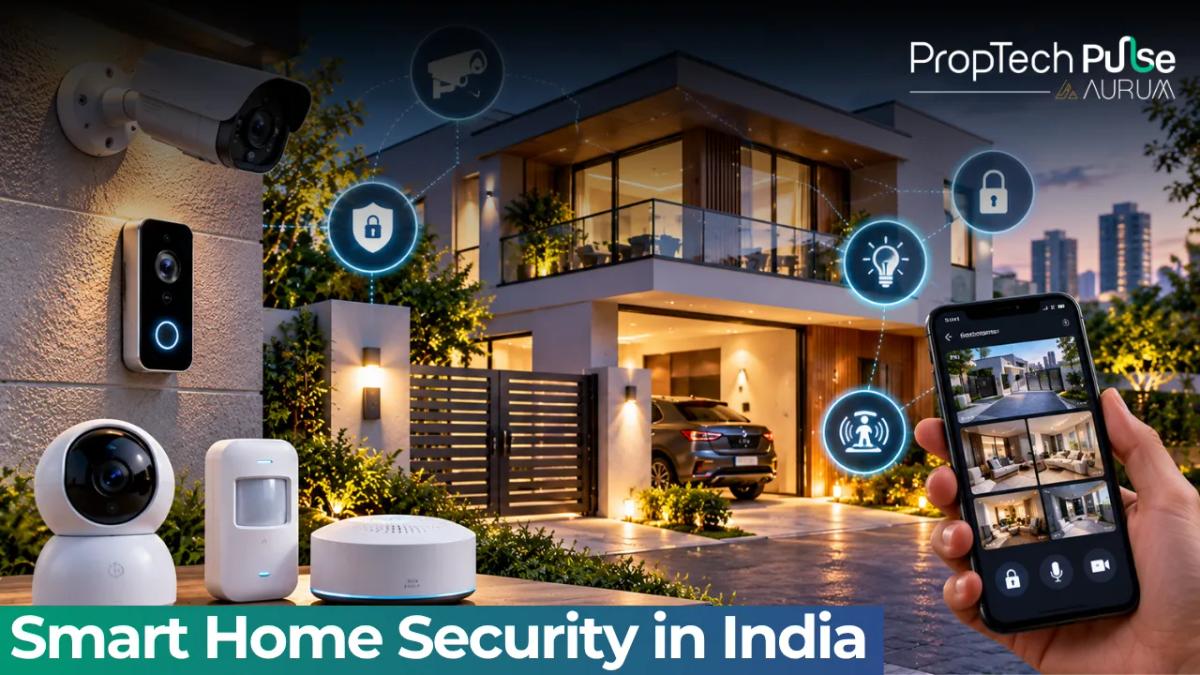
A smart doorbell that buzzes your phone at 2 p.m. is useful. One that fails during a power cut, or records a neighbour's door, is a problem. Smart home security works only when the basics are right first and the gadgets sit on top.
This guide covers what to secure in an Indian flat and which devices matter most. It also explains how to store footage, what to avoid in a society, and how to stop the system itself becoming the weak point. Prices and rules that change quickly are marked to check.
What smart home security covers
Quick answer
Smart home security means connected locks, cameras, doorbells and sensors that watch your home and alert your phone. It works best on top of a solid door and good habits. Start with the entrance, add door and leak sensors, then cameras, and secure every account with two-step login.
The word "smart" adds alerts, remote views and records of who came and when. It does not replace a strong door, grilles where needed, or a neighbour who knows when you're away.
For the wider set of connected devices, see the Pulse guides on IoT in real estate and IoT for smart buildings.
Four layers of home security
Think in layers. If one fails, the next still holds.
| Layer | Goal | Examples |
|---|---|---|
| Deter | Make the flat a poor target | Solid door, good lock, visible doorbell camera, lights on a timer |
| Detect | Notice something is wrong | Door and window contact sensors, motion sensors, smoke and leak sensors |
| Respond | Tell you and act fast | Phone alerts, a siren, a call to a neighbour or security desk |
| Protect the system | Stop the gadgets becoming the weak point | Strong passwords, two-step login, updated firmware, separate network |
Source: author's framework for consumer home security.
Spend first on deterrence and detection at the front door. Cameras inside the flat come later and matter less than a sensor that tells you the door opened.
Devices that matter, with rough costs
Prices are planning ranges, not quotes, and they move with brand and sale season.
| Device | What it does | Approx. price | Good to know |
|---|---|---|---|
| Video doorbell | Shows visitors, records motion, two-way talk | ₹5,000 to ₹15,000 | Check the video quality at night and where it stores clips |
| Door and window sensor | Alerts you when a door or window opens | ₹800 to ₹2,000 each | Battery-powered, so easy to fit in rentals |
| Indoor camera | Watches a room or entry area | ₹2,000 to ₹6,000 | Keep out of bedrooms and bathrooms |
| Smart door lock | Code, fingerprint or app entry, with logs | ₹10,000 to ₹30,000 | Needs a physical key backup and a door that fits it |
| Smoke, gas and leak sensors | Warn of fire, gas or water | ₹1,000 to ₹4,000 each | Often the most useful and least expensive |
| Siren or hub | Sounds an alarm and ties devices together | ₹2,500 to ₹10,000 | Pick one with battery backup |
Source: author's estimate of typical retail bands .
A sensible 2BHK starter has one video doorbell at about ₹8,000. Add two door sensors at about ₹1,200 each (₹2,400), one leak sensor at about ₹1,500 and one siren hub at about ₹4,000. That totals ₹15,900. Add a smart lock later if the door suits it.
Choosing a smart lock for an Indian door
Smart locks are sold as a single product, but the door decides what fits. Many Indian flats have a wooden main door with a mortise lock and a separate safety door or grille outside it.
Measure the door thickness and check the existing lock body before you order. Pick a lock with a manual key override, a low-battery warning and a way to open the door from inside in an emergency. Ask what happens if the battery dies while you are out.
Give guest codes a time limit and delete them after use. Keep the logs, since they show who entered and when. Get the installer to fit it, because a badly aligned lock fails sooner than a cheap one fitted well.
Where footage should live
Recordings take space. Assume a 1080p camera records about 1 GB an hour when it records continuously. Two cameras for a 30-day loop need 2 × 24 × 30 = 1,440 GB, close to 1.5 TB.
That is why most people record on motion only, or keep a short loop. Cloud plans handle the storage but charge a monthly fee . Local storage on a memory card or small recorder costs once, but a thief can take it with the device.
The balanced option is local storage for continuous video, plus cloud backup for motion clips. If footage matters to you, keep clips in two places.
Rules for apartments and societies
A flat is not a standalone house. The corridor, lift lobby and parking belong to the society, and your neighbours have a right to privacy.
- Point cameras at your own door and inside your own home, not at a neighbour's entrance.
- Ask the society or management before fitting anything on common walls or shared conduits. An NOC may be needed for changes outside your flat.
- Do not drill the door frame in a rental without the landlord's written consent.
- Tell domestic help and guests if cameras are on inside the home.
Rules differ by society and by state, and data protection law applies to recordings of other people. Gated complexes with their own guards and CCTV cover the outer layer, as the Pulse note on luxury apartments in India shows, so you mostly secure your own door and windows.
Keeping the system itself safe
Cheap cameras and old routers are the usual way in. A few habits fix most of the risk.
- Change every default password and use a unique one per account.
- Turn on two-step login for the app and the email behind it.
- Update firmware, and avoid brands that stop issuing updates.
- Use a guest or separate network for cameras if your router allows it.
- Remove access for tenants, helpers or ex-partners the day they leave.
Read what each app collects before installing it. The note on how technology is changing real estate gives the wider context on data and homes.
Power cuts and false alarms
Security that fails in the dark is worse than none. Put the router and hub on a small UPS, and choose sensors and sirens with battery backup. Check how long they run on battery.
False alarms wear people down, and they stop checking alerts. Place motion sensors away from fans, curtains and pets, lower the sensitivity, and set quiet hours for the siren. A system you trust gets used. One that cries wolf gets switched off.
How to start
Decision rule: if your budget is under ₹20,000, spend it on the entrance (video doorbell, door sensor, a loud siren) and on smoke and leak sensors. Add cameras and a smart lock only after you've lived with that setup for a month.
If you rent, favour battery and clip-on devices that leave with you. If you own or are renovating, ask your electrician and designer for a power point near the door and a spare conduit, as covered in the interior design guide. The Pulse interior design service page shows how that planning works.
When buying, ask the builder what security the project already provides and who maintains it. The property buying guide lists the checks to run, and first-time renting tips help tenants.
Frequently asked questions
What is the first thing to secure in a flat?
The main door. Most break-ins start there, so fit a solid door, a good lock and a way to see who is outside, such as a peephole or video doorbell. Smart gadgets come after the basics.
Is a smart lock safer than a normal lock?
Not automatically. A smart lock adds convenience, access logs and guest codes, but its safety depends on the lock's build, the app's security and your habits. Keep a physical key backup and avoid models with no manual override.
Should I store camera footage in the cloud or on a card?
Each has a catch. Cloud storage survives theft of the camera but usually costs a monthly fee and depends on the internet. A memory card or home recorder is cheaper but can be taken with the device. Many people use both.
Can I put a camera in a common corridor of my apartment building?
Check with your society first. Common areas belong to the association, and recording neighbours can cause disputes or legal trouble. Point cameras at your own door and inside your own flat.
Do smart security systems work during a power cut?
Only partly. Battery-backed sensors and sirens keep working, but Wi-Fi cameras and hubs stop unless the router and device are on a UPS. Plan for short cuts with a small UPS and battery sensors.
Enjoyed this blog article? Visit PropTech Pulse for more interesting blogs.


Ask Pulse Ai anything about real estate

Unlock the Latest in Real Estate
News, Infographics, Blogs & More! Delivered to your inbox.